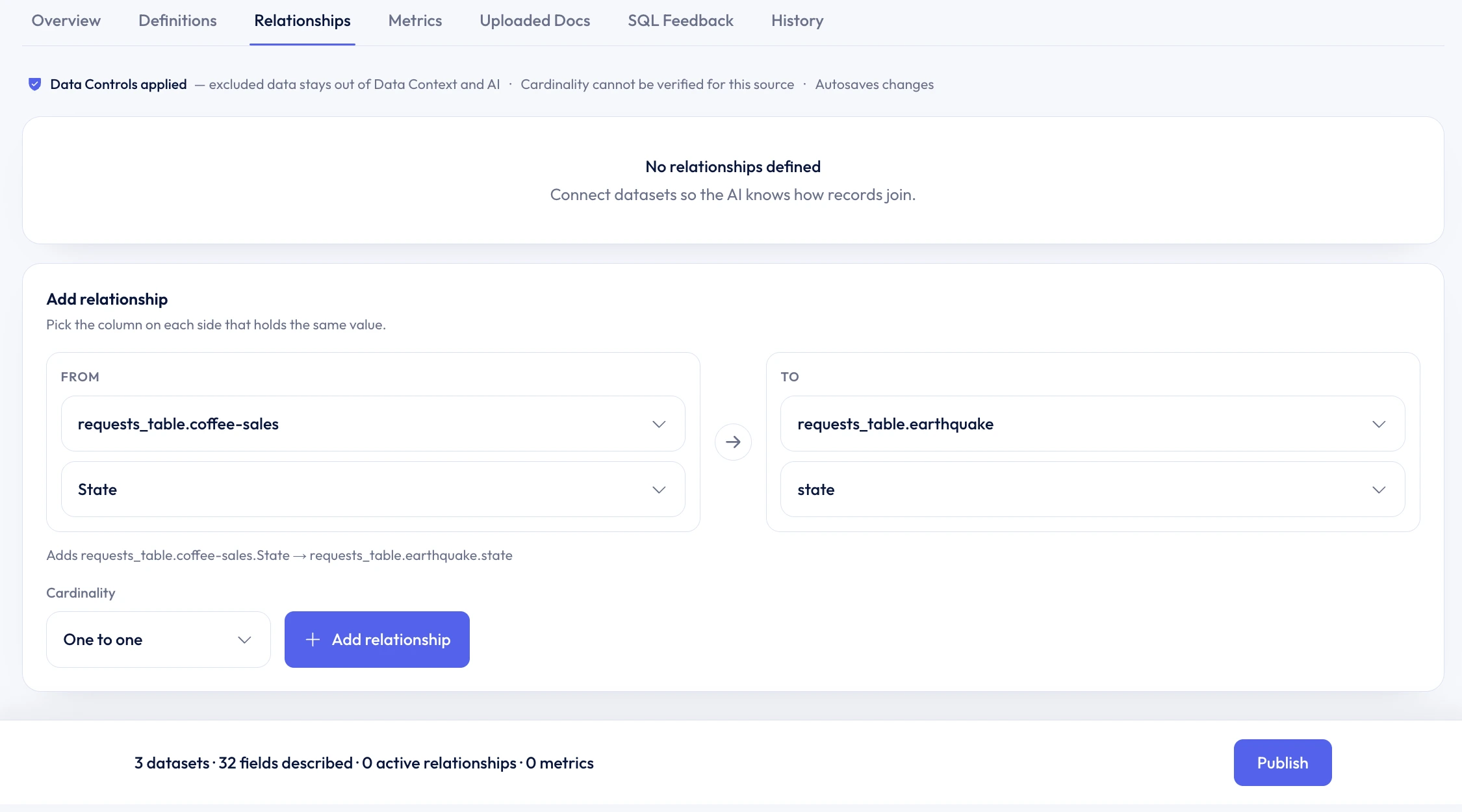
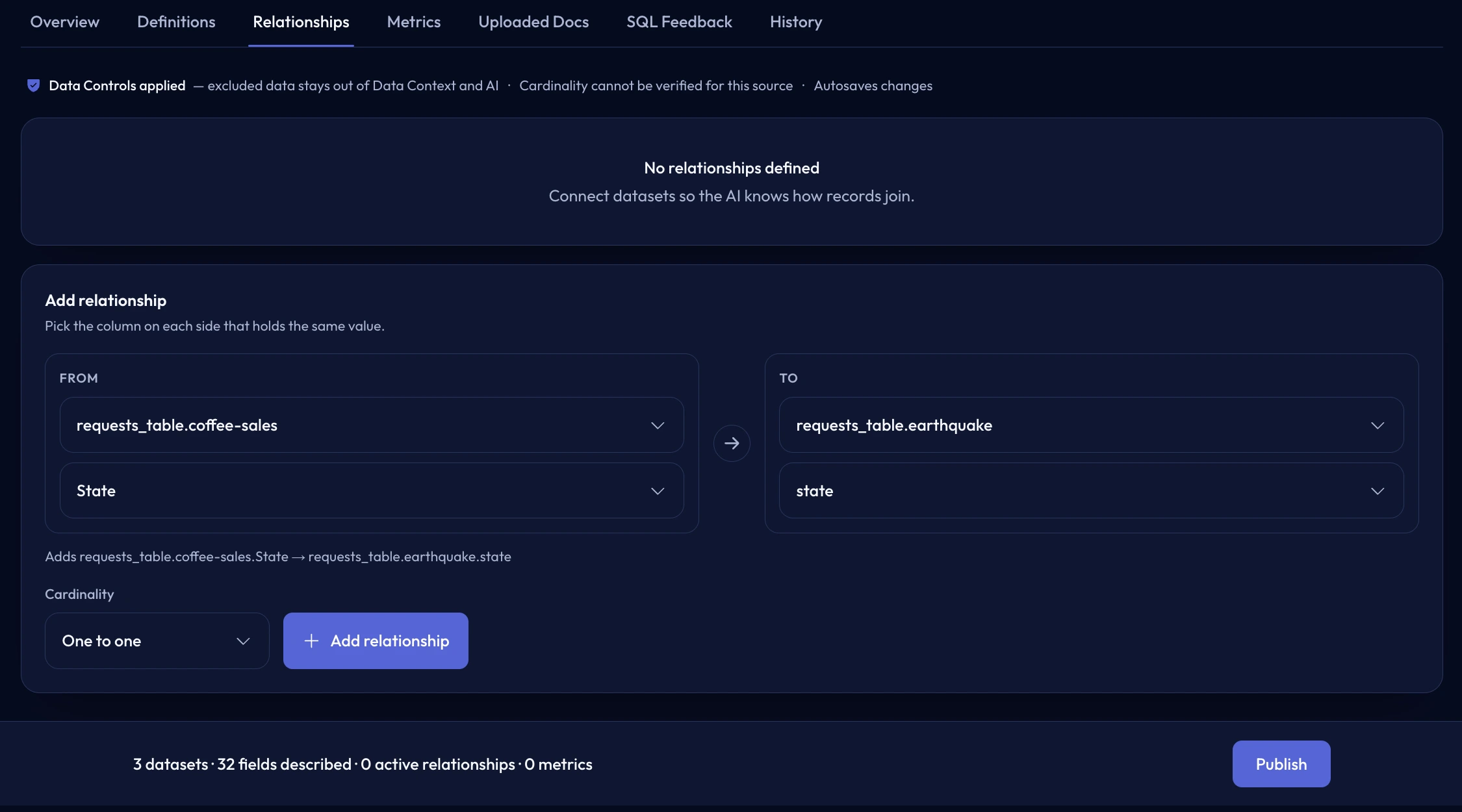
Relationships
Define the source, destination, join fields, and cardinality so Formula Bot knows how records connect.
Data Context for SQL
For connected SQL databases, review and publish business meaning for tables, fields, relationships, and metrics so analysis starts from definitions you trust.
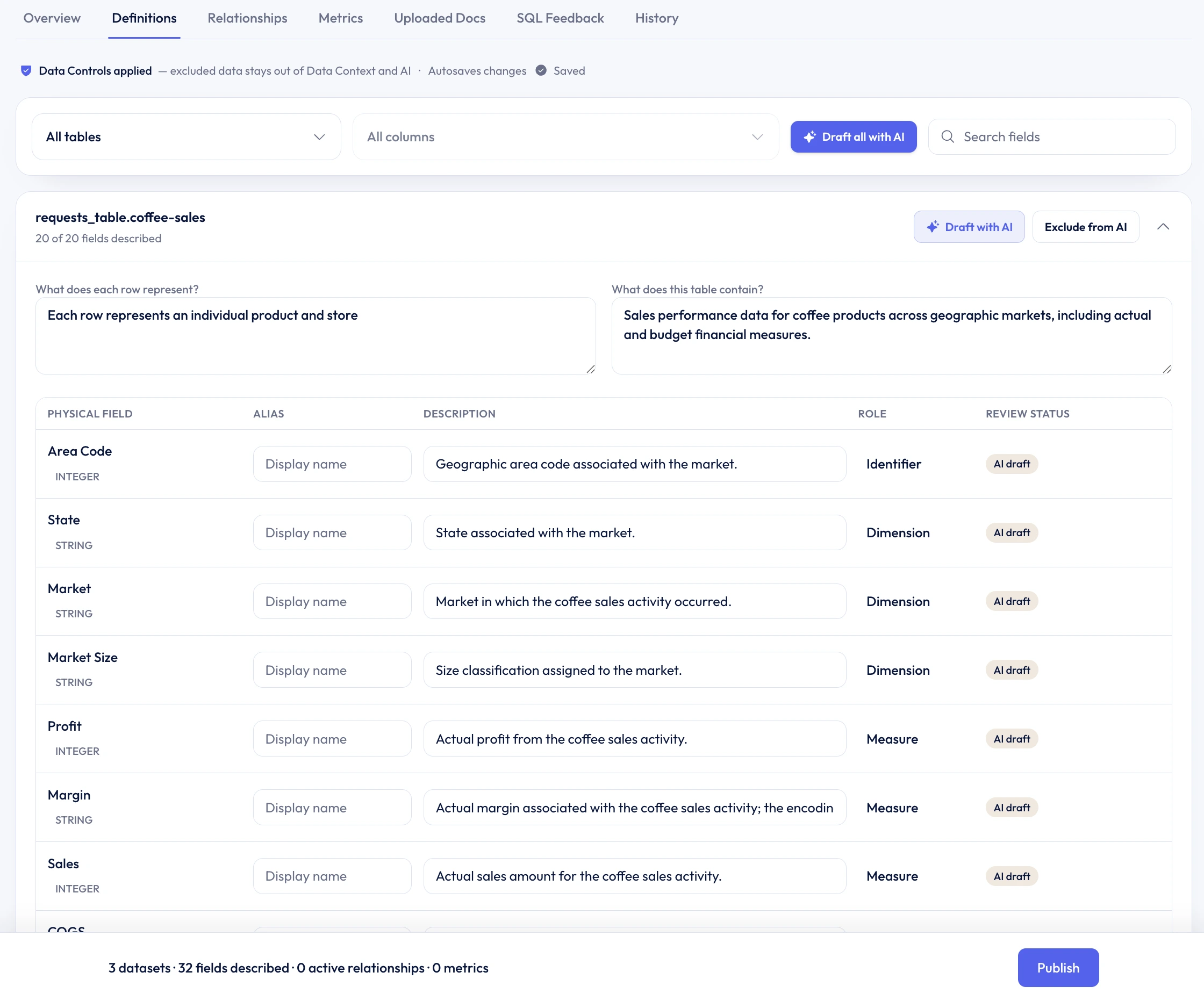
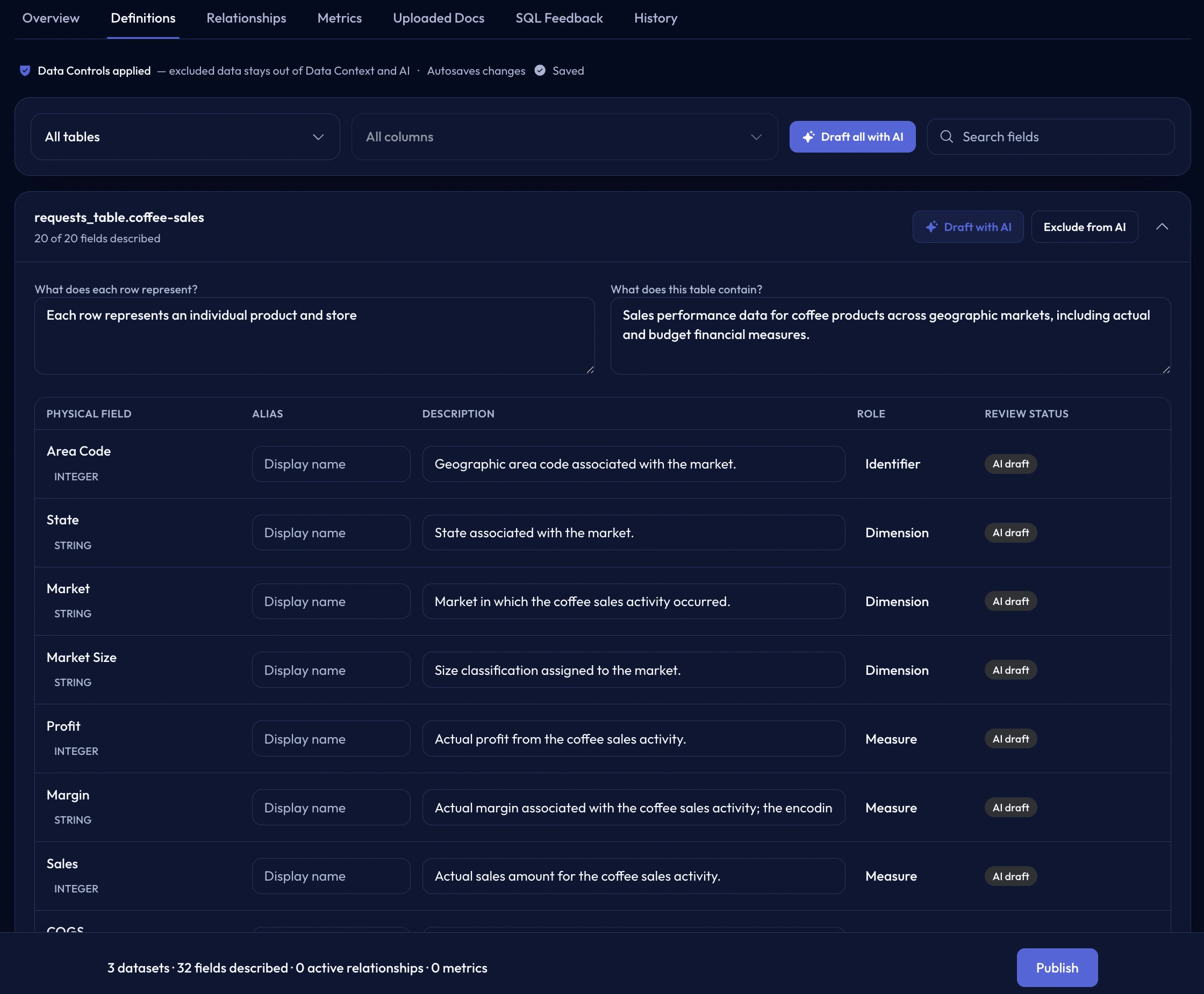
Definitions people can read
Add a description and grain for each table. For every field, review its Alias, Description, Role, and Review status alongside the physical database name.
Joins and calculations
Relationships tell Formula Bot which tables can be joined. Metrics give recurring calculations a shared name and definition.
Define the source, destination, join fields, and cardinality so Formula Bot knows how records connect.
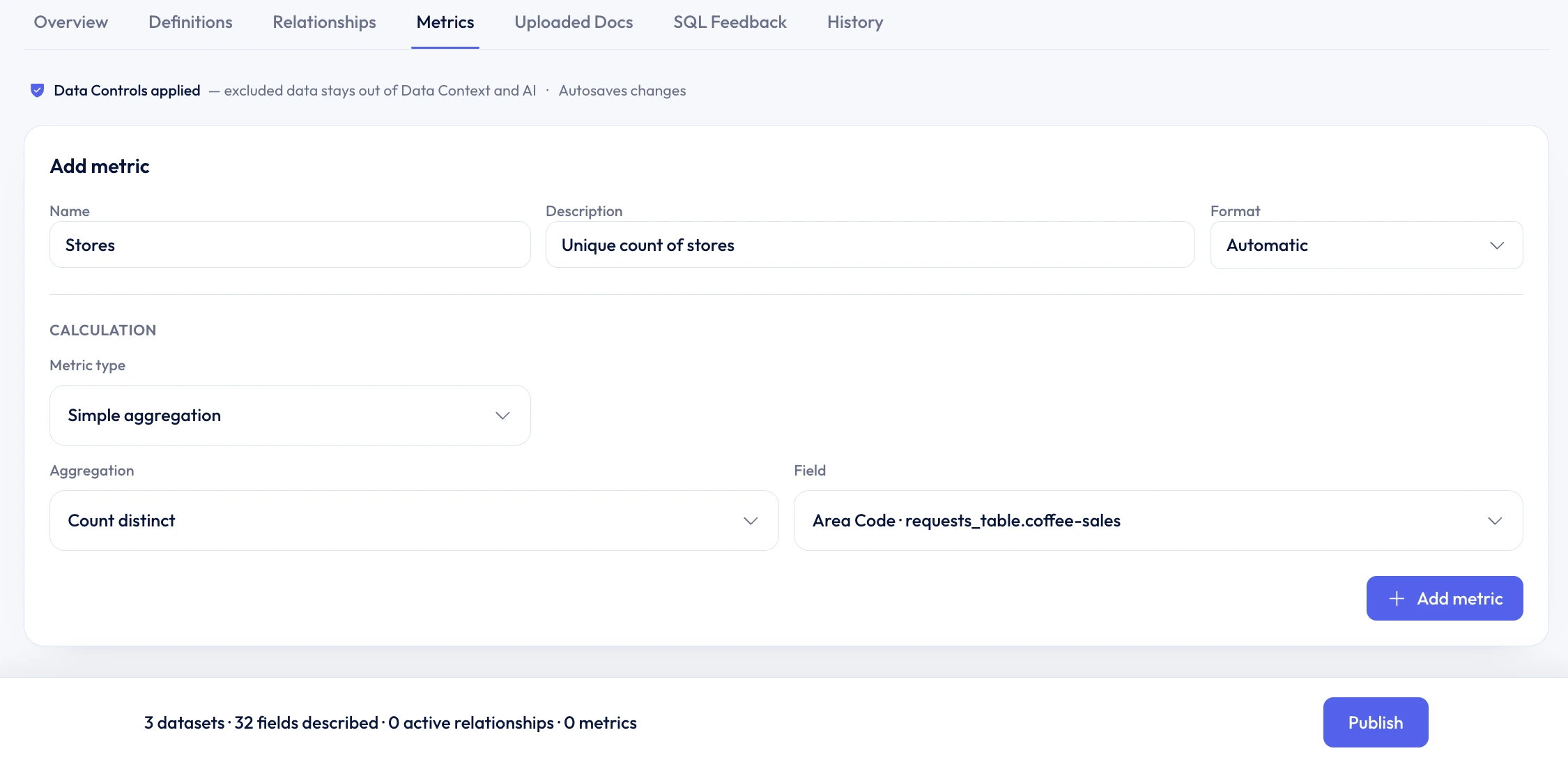
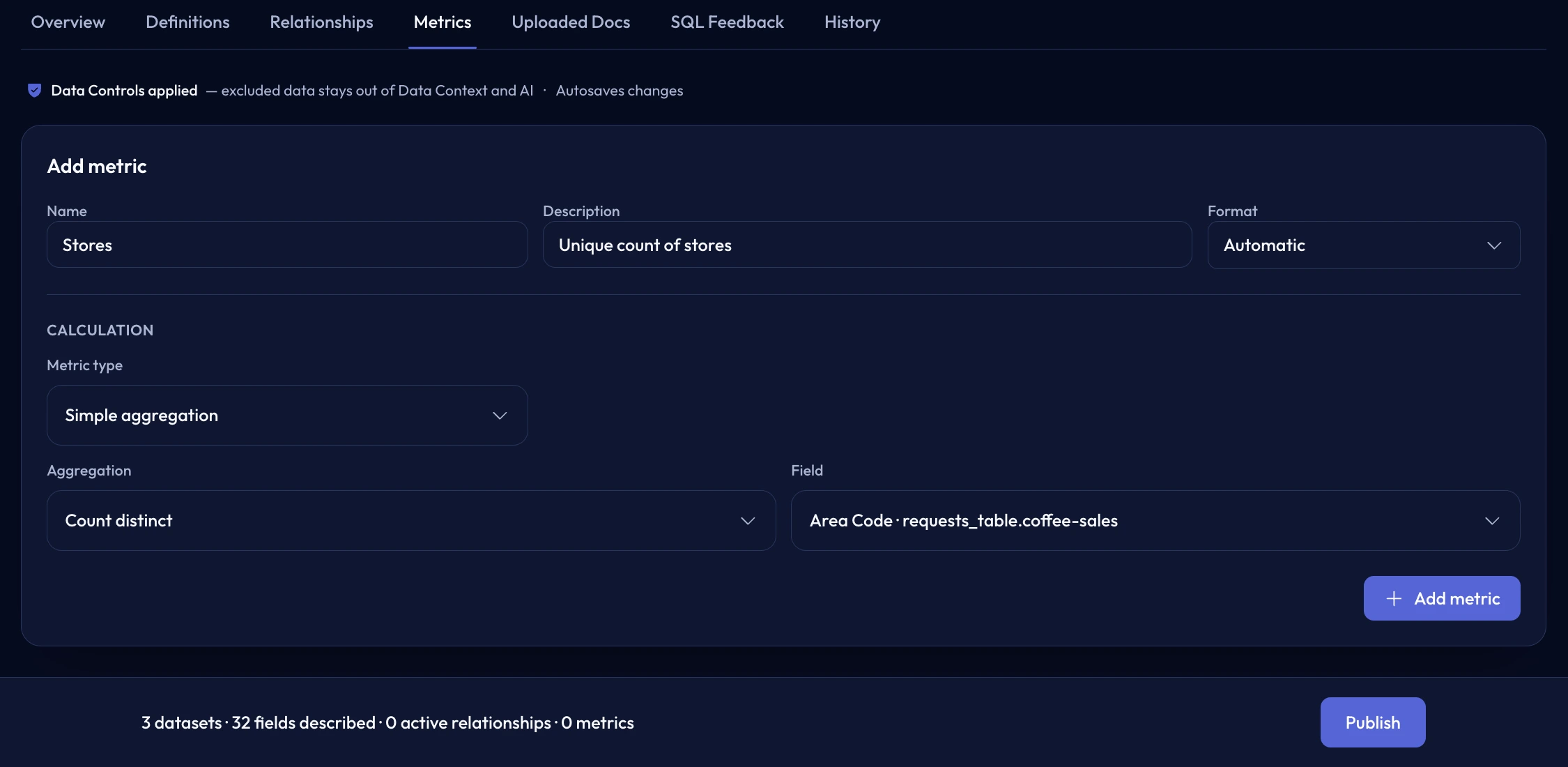
Publish simple aggregations and derived calculations such as Net Revenue with descriptions and formats.
Documents and SQL feedback
Upload business vocabulary and schema notes, then save SQL feedback from chat to steer future queries.
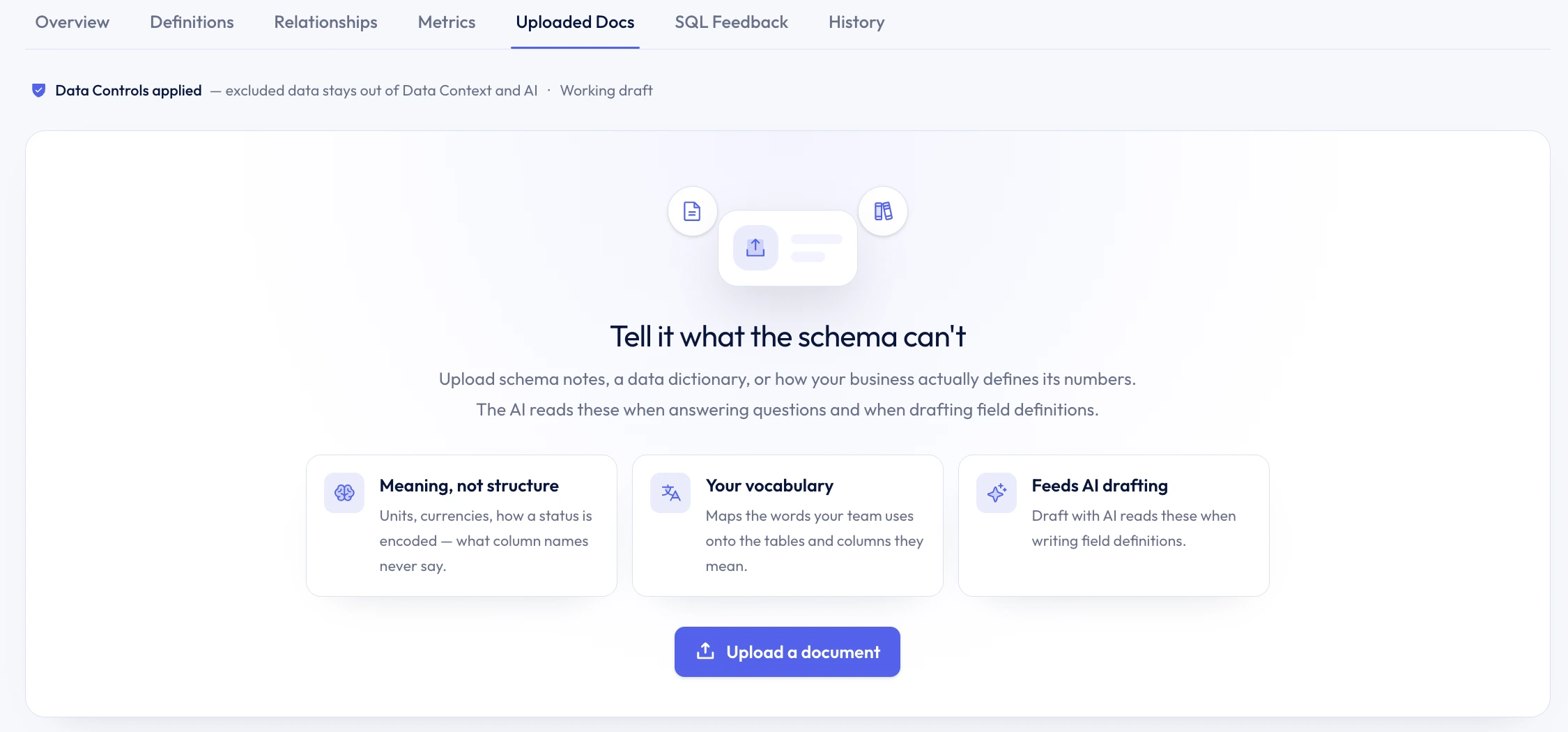
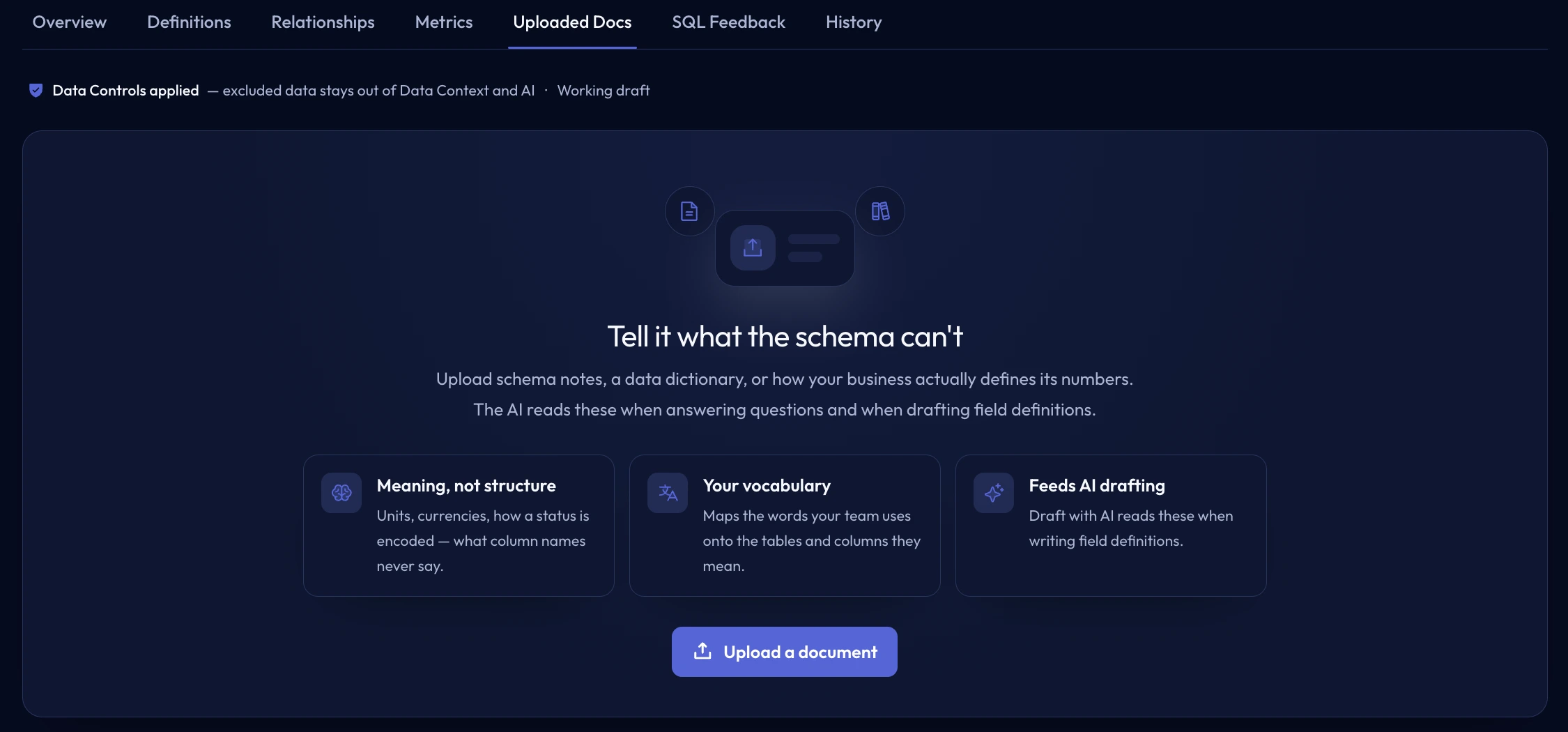
Add schema notes, data dictionaries, and vocabulary that inform field drafting and answers.
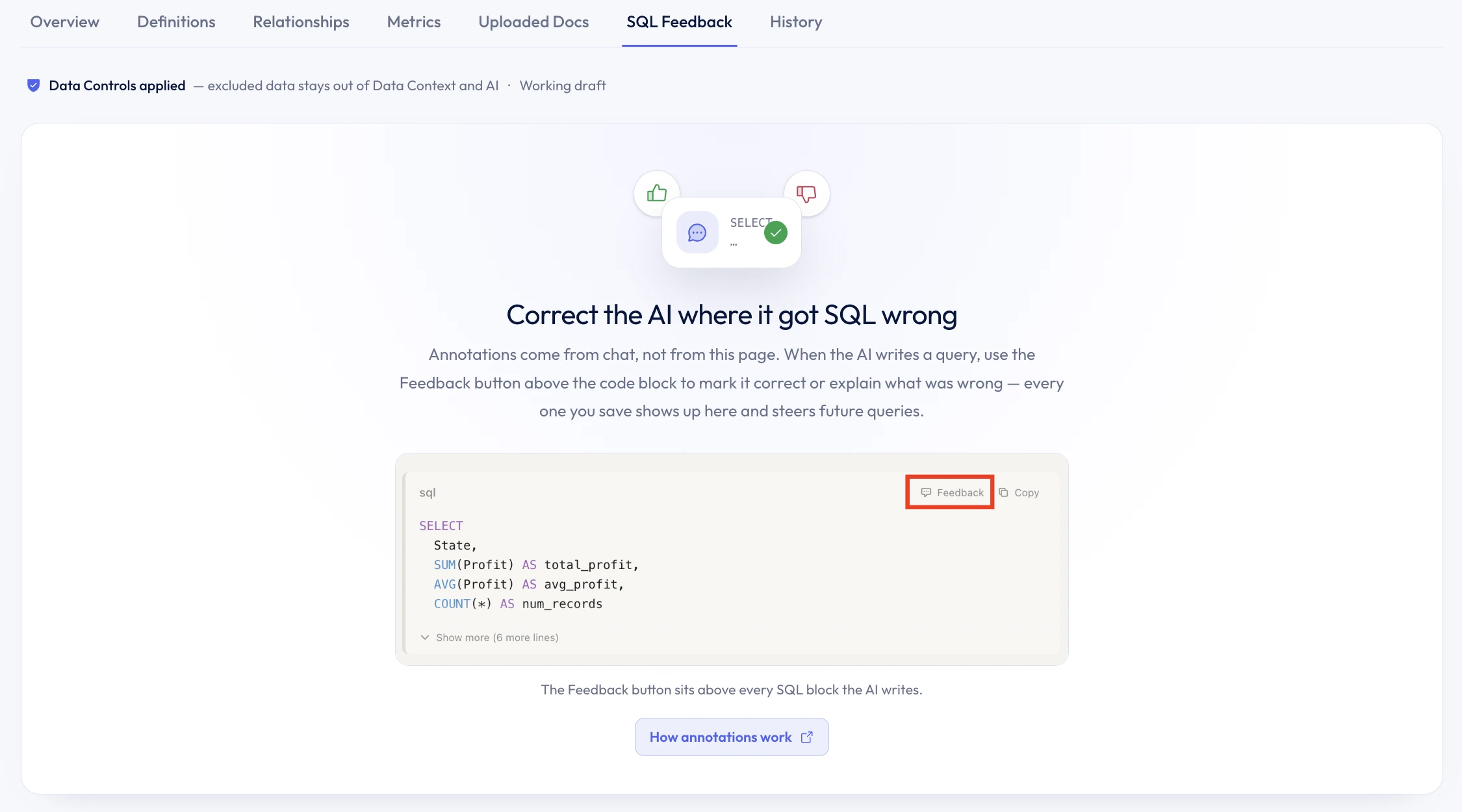
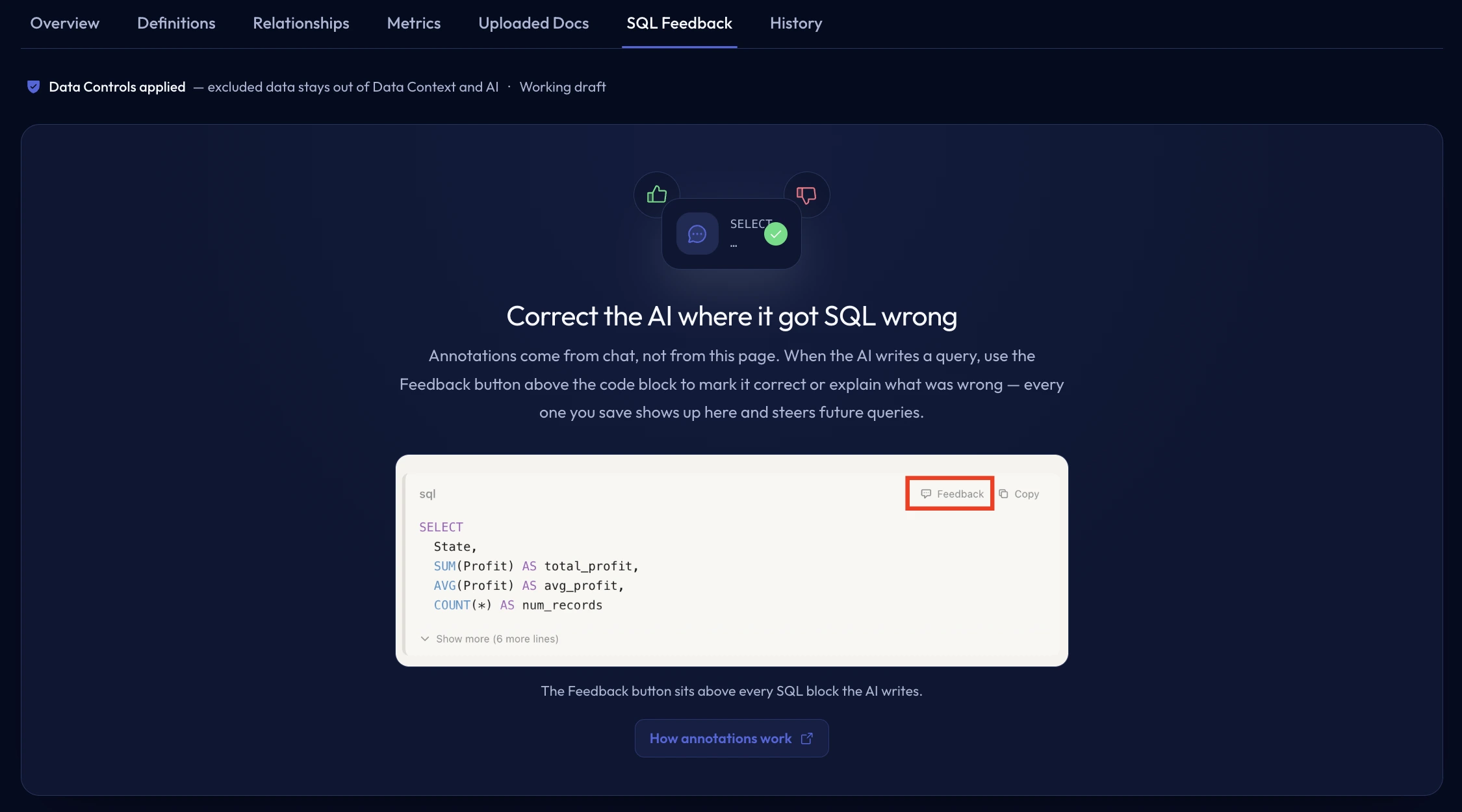
Save correct or incorrect query annotations from chat so reviewed feedback can steer future SQL.
A controlled meaning layer
Data Controls keep excluded data out of Data Context and AI. Drafts, published revisions, and history make it clear which definitions are active.
Data Context describes connected data; it is not the dataset and it does not replace AI Agents.
How analysis should run
AI Agents define analysis instructions, Business Context, output preferences, and presentation defaults.
Compare your options
Open a neutral research prompt in the AI tool you already use. Compare capabilities, limitations, and fit before you choose.
AI answers can be incomplete. Check source links, current pricing, and product documentation before deciding.
A shared SQL vocabulary
Connect a supported SQL database, review its definitions, and publish the context you trust.