AI chart maker
Create Charts & Graphs Instantly with AI
Describe the chart you need in plain English. Formula Bot creates bar charts, line charts, pie charts, scatter plots, and more — instantly.
- Free plan included
- No credit card required
- 6+ chart types supported
Formula Bot AI charts
Turn your data into charts with Formula Bot
Upload your data, generate the right chart, ask follow-up questions, and refine the visualization in plain English.
No credit card required. Free plan included.
Chart Types You Can Create
But not limited to — just describe what you need.
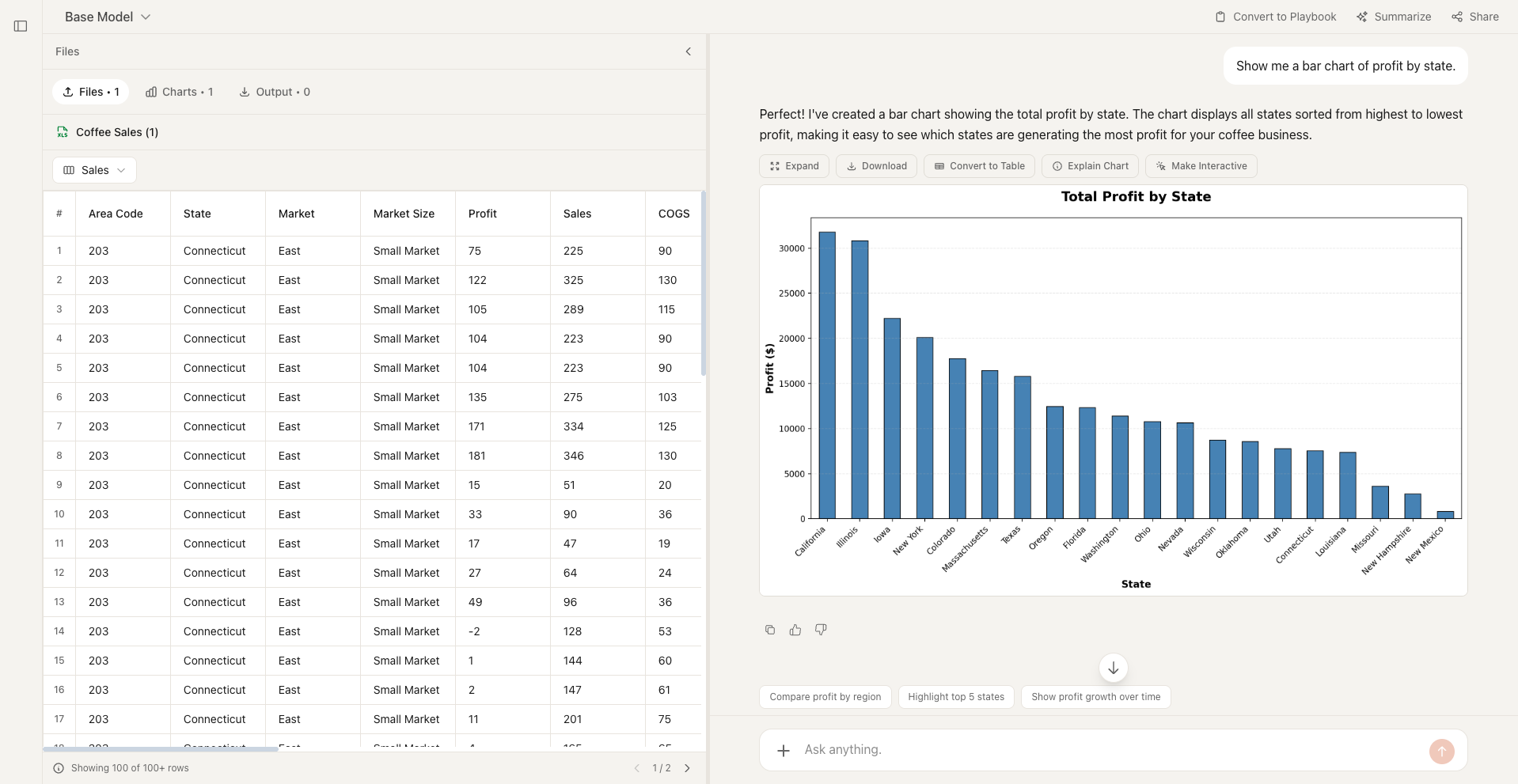
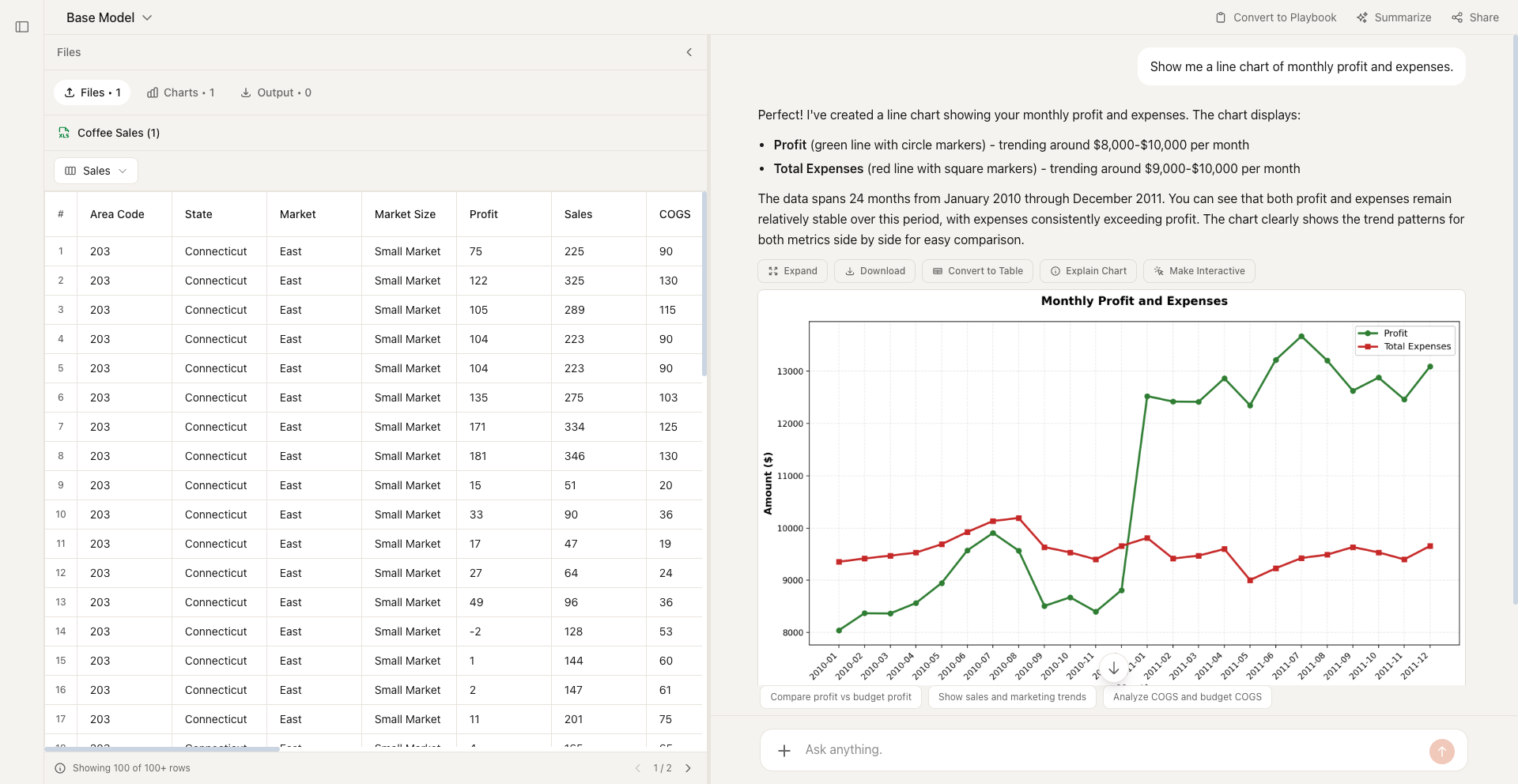
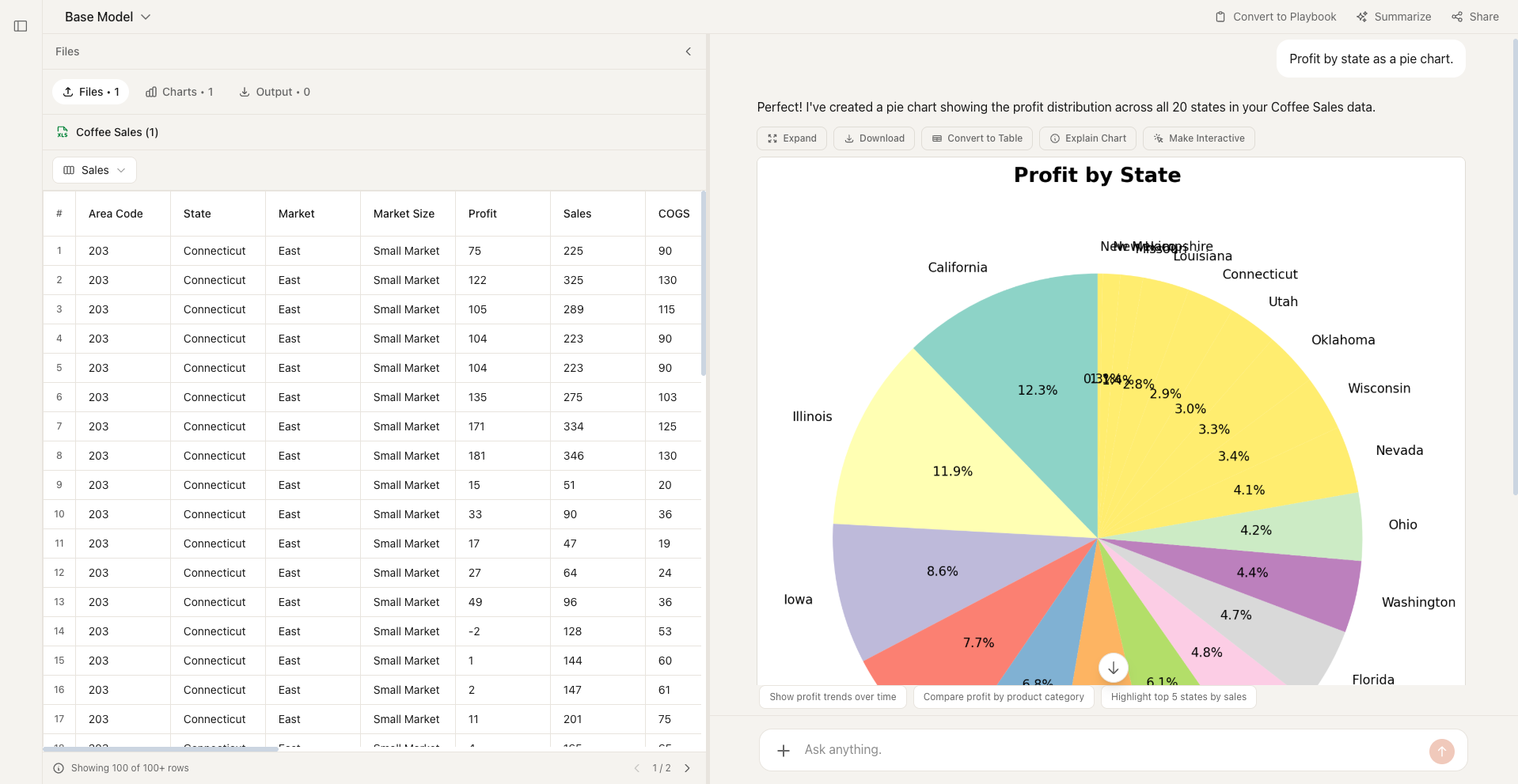
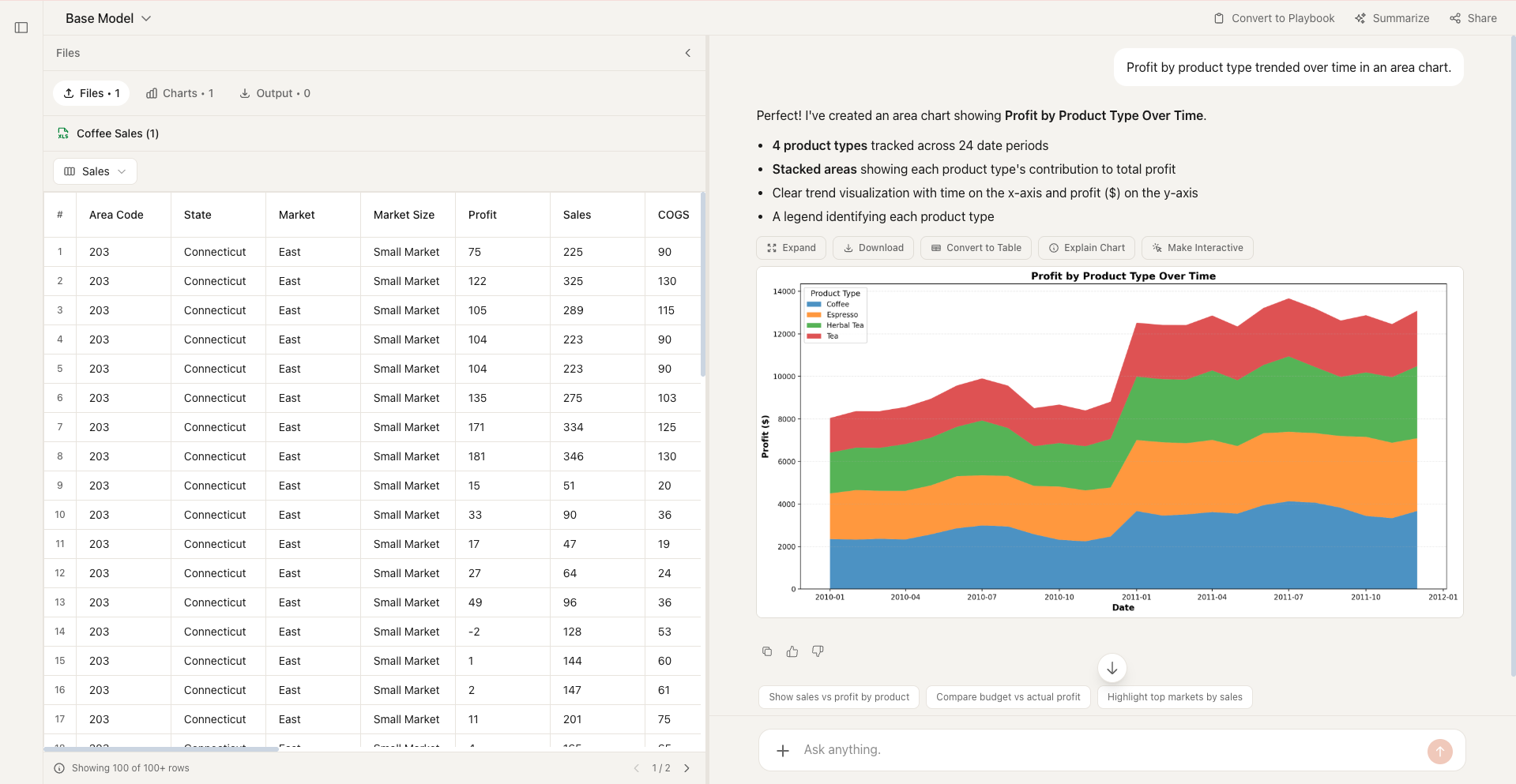
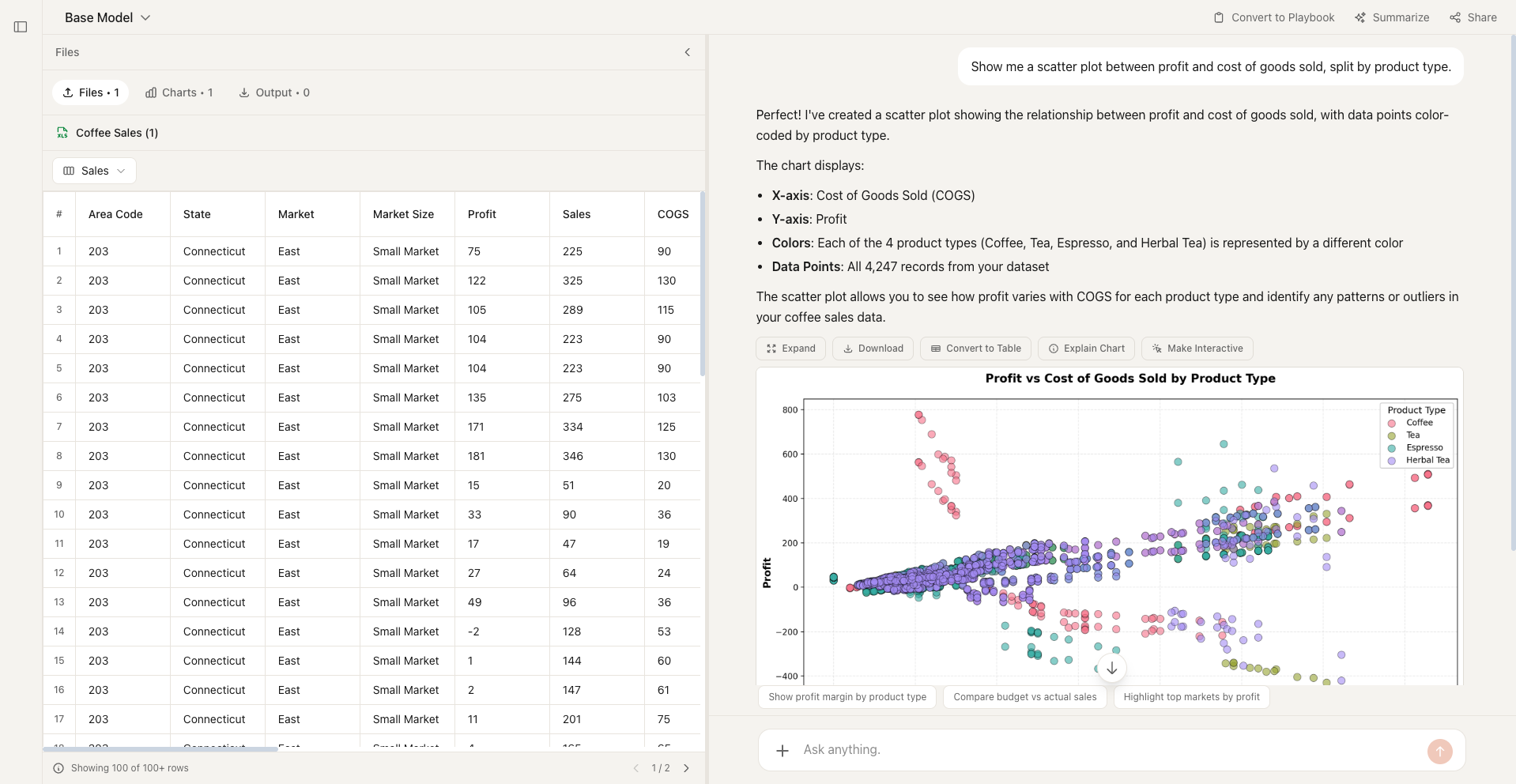
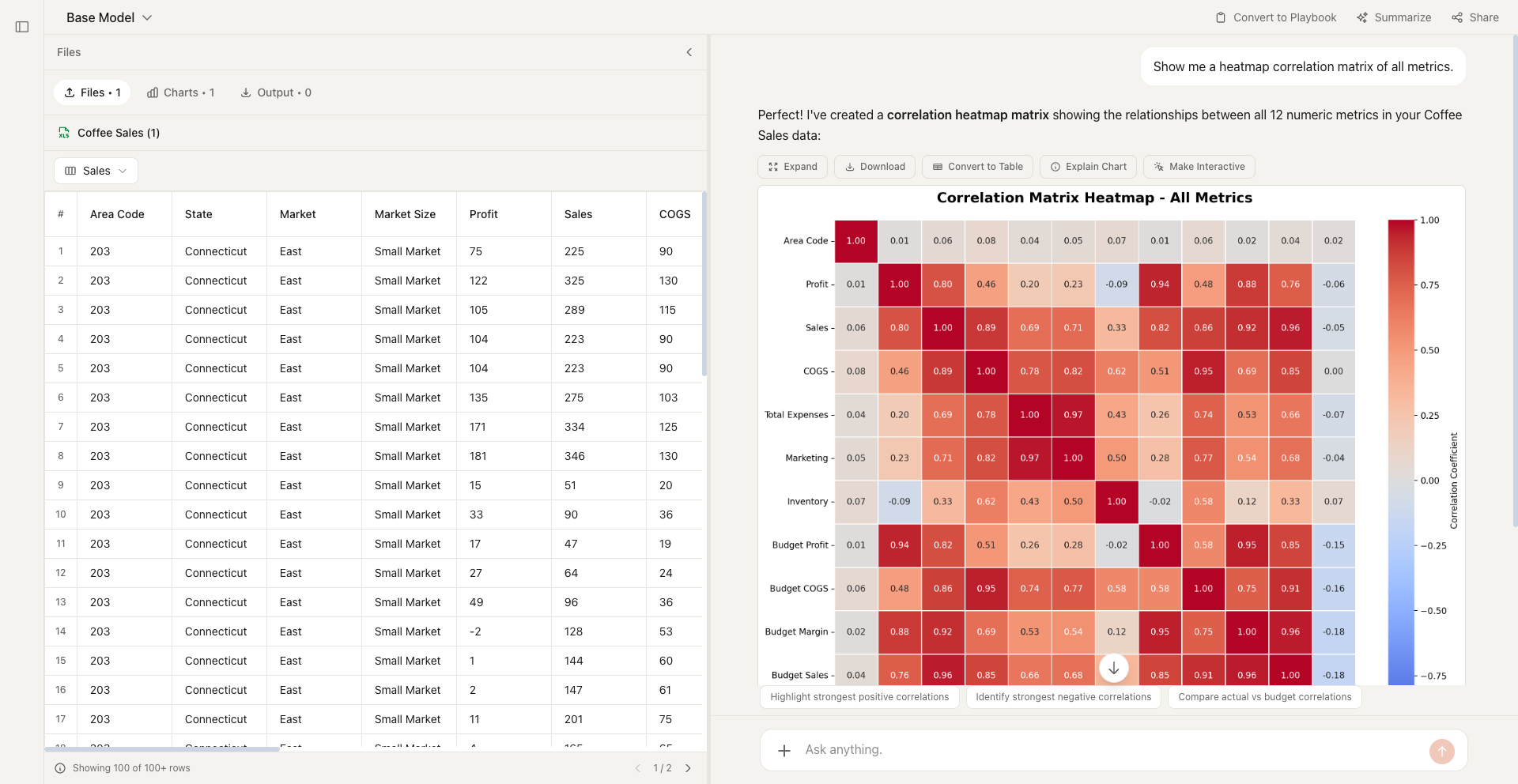
Free Chart Makers by Type
What is an AI Chart Maker?
An AI chart maker turns raw data into clear visualizations automatically. Instead of spending time selecting chart types, configuring axes, and tweaking formatting, you describe what you need and the AI handles everything—from choosing the right chart type to producing a polished, presentation-ready graphic.
Formula Bot's chart maker goes further: upload a spreadsheet or paste your data, ask a question like “show me monthly revenue by region,” and get an interactive chart in seconds. It supports bar charts, line charts, pie charts, area charts, scatter plots, heat maps, and more.
How to Create Charts with AI
Upload or describe your data
Paste a spreadsheet, upload a file, or describe the data you want to visualize.
Tell the AI what chart you need
Describe your chart in plain English — "bar chart of Q4 sales by product" works perfectly.
Get your chart instantly
Formula Bot creates a polished, presentation-ready chart in seconds. Iterate by asking for changes.
Why Formula Bot for Charts
Describe charts in plain English — no menus, no manual configuration.
The AI recommends the best chart type for your data automatically.
Go from raw data to polished visualization in seconds, not minutes.
Charts automatically match your preferred theme for any presentation context.
Frequently Asked Questions
Compare your options
Decide with evidence, not a sales pitch.
Open a neutral research prompt in the AI tool you already use. Compare capabilities, limitations, and fit before you choose.
AI answers can be incomplete. Check source links, current pricing, and product documentation before deciding.